Get Started with Video Creation
Imagine you're a business owner with an exciting offer, and you want to share it with the world through a video. But the thought of hiring a production crew, scriptwriters, and editors is daunting. You don't have to worry about that anymore. With the Daily Video System, all you need is your phone and your offer.

Step 1: Enter Your Offer
It all begins with your offer. Simply paste your offer URL or type out a topic into the system. This step is as easy as sending a text message. Once you've done that, the system takes over, writing a script and planning every scene. It's like having a director in your pocket, ready to turn your idea into a visual story.
Step 2: Let the System Build Your Video
Next, the Daily Video System builds each scene for you. It selects images, generates animated text, and adds b-roll footage and characters. Everything is synced perfectly with the voiceover, so the visuals change in harmony with the words. There is no need for you to know how to operate any editing software; the system does it all for you.
Step 3: Voiceover, Music, and Captions
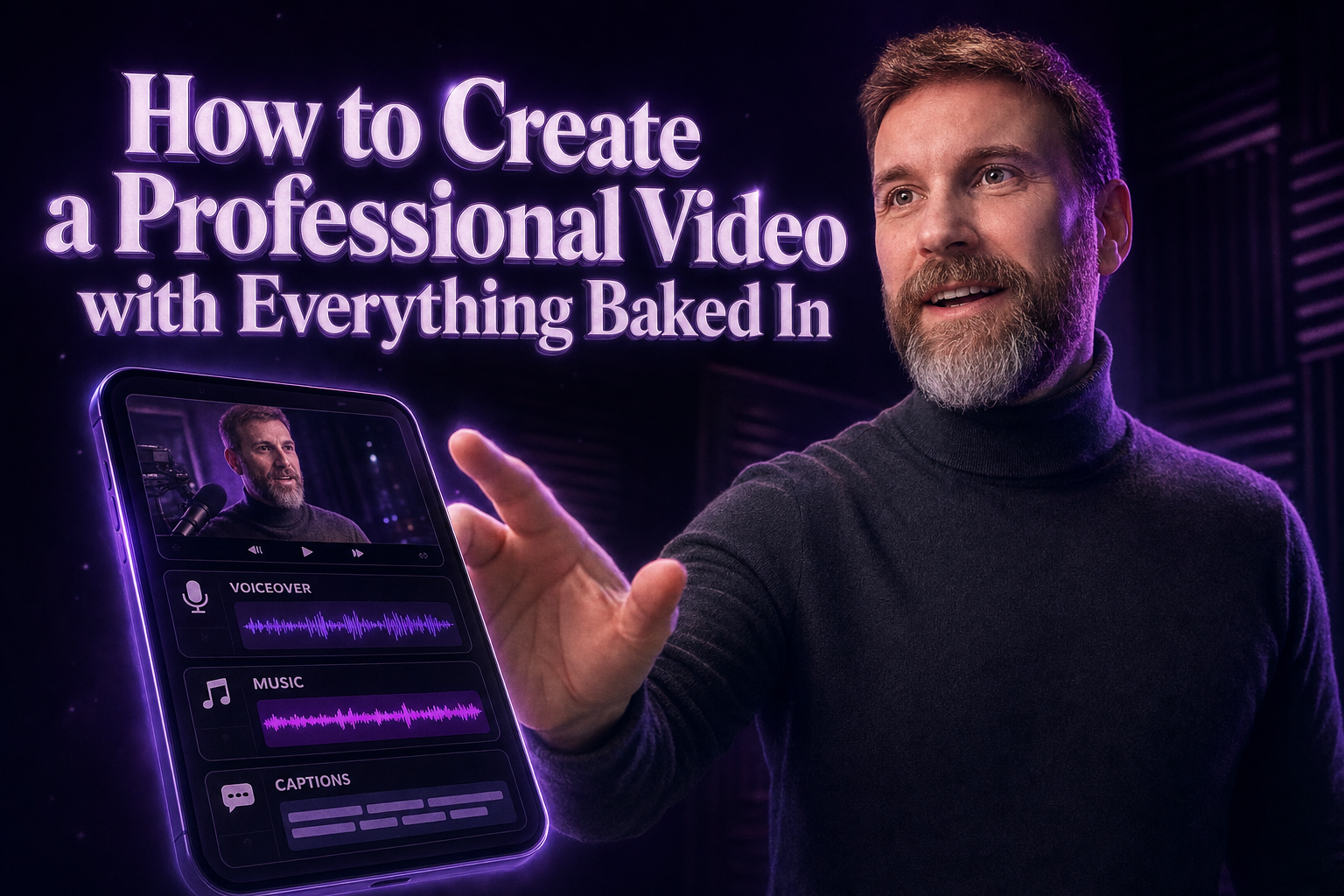
Now, here's where the magic happens. The system adds a voiceover, background music, and captions to your video. The voiceover can even be in your voice if you've recorded a sample. The captions are displayed karaoke-style, making it easy for viewers to follow along. The background music complements the tone of your message, enhancing engagement without any extra effort on your part.
Step 4: Add Intro and Outro
Every professional video needs a strong introduction and a memorable conclusion. The Daily Video System automatically includes an intro and outro, giving your video a polished look. These elements frame your content, ensuring viewers understand who you are and what you're offering.
Step 5: Download Your Finished Video
Once the system has done its job, you download a finished MP4 file. Everything... voiceover, music, captions, intro, and outro... is baked into one file. There's no project file to edit, no additional steps to complete. Just a ready-to-use video that you can share instantly.
See It in Action
Curious about the quality? You can watch real videos made by the system on the demo page. These are not mockups but actual videos created with the Daily Video System. Seeing is believing, and it will give you confidence in what you can achieve with this tool.
What's Next?
Ready to create your own video? Dive into the Daily Video System and transform your offers into captivating visual stories. It's time to let the system do the heavy lifting while you focus on what you love... growing your business.