Bring Your Voice to Life Without a Microphone
If you're a business owner or someone with an offer to share, you know the power of video in today's digital world. But let's face it, producing a professional video can be daunting, especially if you don't have a production crew at your disposal. That's where the Daily Video System comes in. Imagine creating videos narrated in your own voice without ever having to record yourself. Sounds incredible, right? Let's walk through how this works, step by step, as if you had your phone in hand.
Step 1: Record a Short Voice Sample
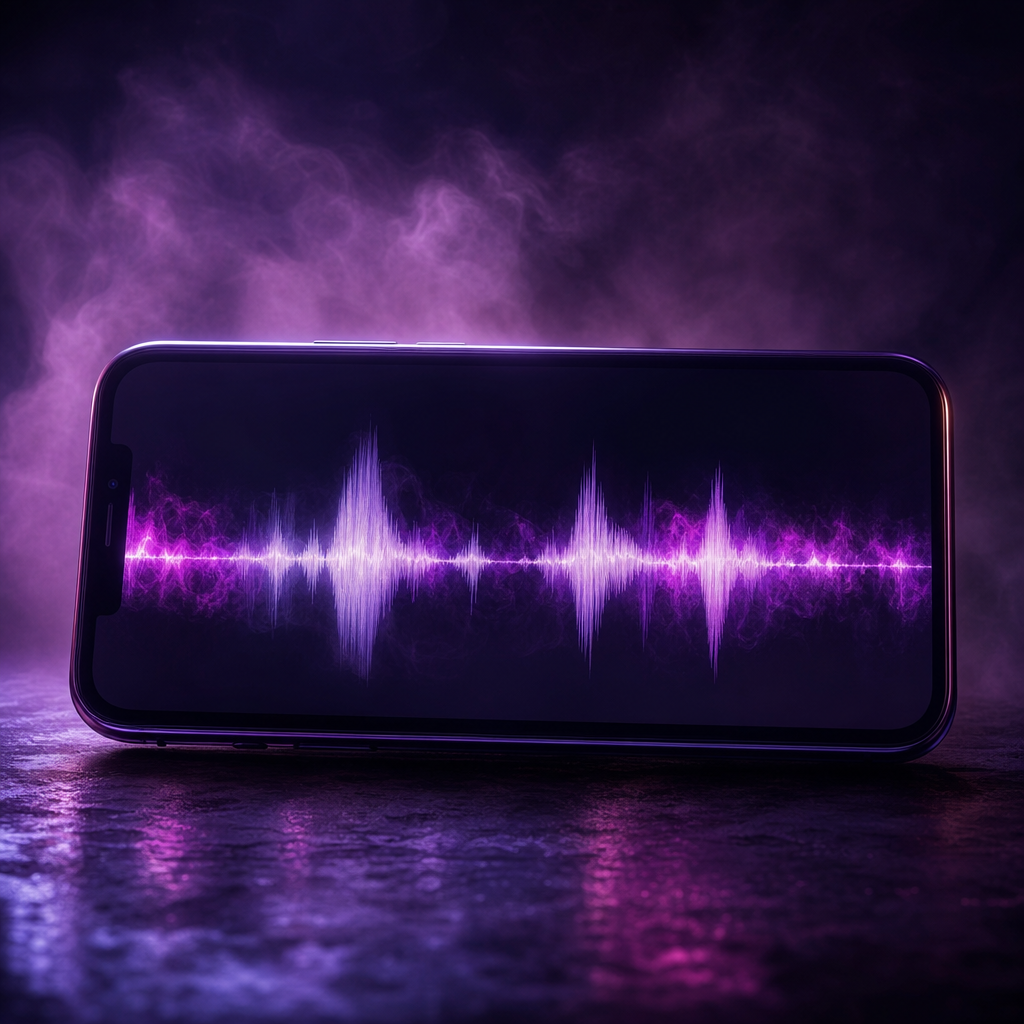
The first step is simple. You need to record a short sample of your voice. This doesn't require any fancy equipment; your phone's microphone is more than enough. Just speak naturally, as if you're explaining your offer to a friend. This sample will be the foundation for the system to train a digital copy of your real voice.
Step 2: Let the System Train Your Voice
Once you've recorded your sample, upload it into the Daily Video System. The magic happens here. The system analyzes your voice and trains a digital version of it. This process is entirely automated and happens in the background. You don't have to lift a finger once your sample is uploaded.
Step 3: Input Your Offer or Topic
Now, it's time to get to the heart of your video. You can either paste the URL of your offer or type in a topic you want the video to cover. The system takes it from there, writing a script and planning each scene as if you had a seasoned director at your side.
Step 4: Watch Your Video Come Together
With your voice trained and your script ready, the Daily Video System builds every scene. It generates images, animated text, b-roll, and characters that sync perfectly with your voiceover. The picture changes seamlessly as the words do, ensuring a dynamic and engaging video experience.
Everything you need is baked into one downloadable MP4 file, including the voiceover, background music, captions, and even an intro and outro. You get a finished video, ready to share, without any additional editing required.
Step 5: Share Your Creation
Once your video is ready, you can easily share it with your audience. Each video gets its own share page, complete with a link you can send in a text, drop in an email, or post on social media. It plays directly from that link, no downloads needed.
With the Daily Video System, you can have a fresh video every day without ever stepping into a studio. The system runs on our server, ready whenever you are, and because it's a one-time payment of $998, it's yours without any ongoing subscription fees.
What to Do Next
Ready to see your voice in action? Head over to the demo page to watch real videos created by the system. When you're ready, you can start creating your own personalized videos that speak in your voice.